Activating your first credit card, safely
Activate and set the PIN in the bank's own app
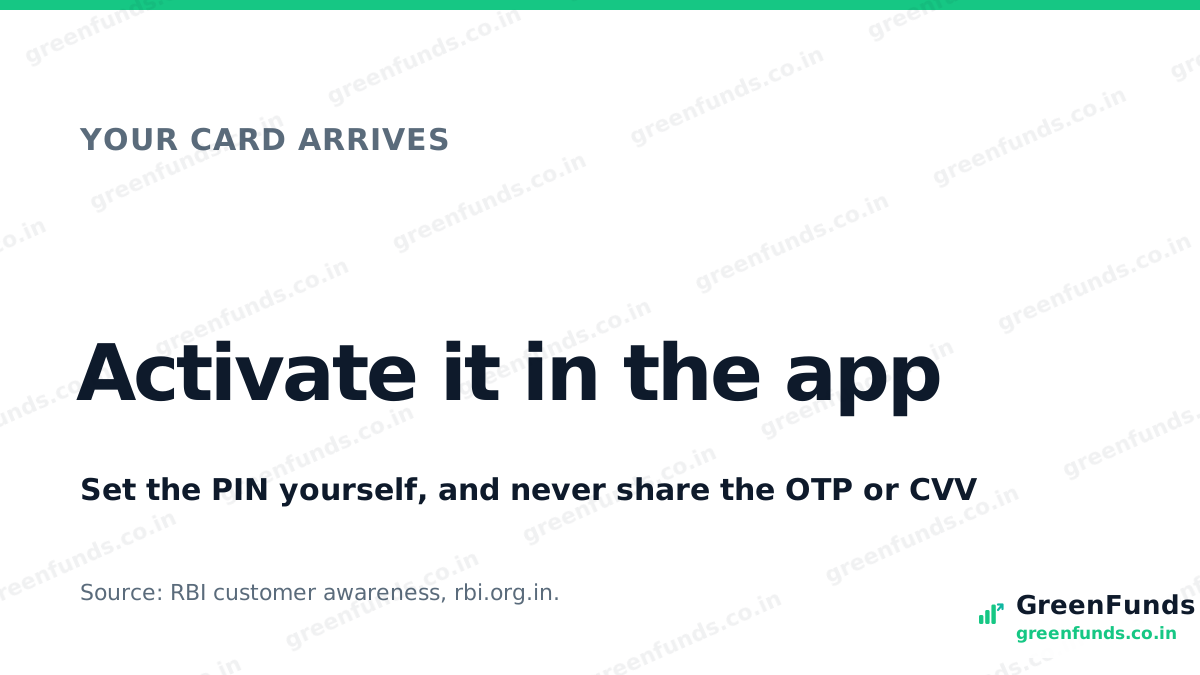
Your first credit card arrives in the post blocked. Before you can use it, two things need doing: activate it, and set the ATM PIN. On most banks today you can do both inside the official app, so you usually do not need to visit a branch at all.
What is on the card, and what each part does. A credit card carries a few numbers, and each has a job:
- The long card number, usually 16 digits, is the account the payment draws on.
- The expiry date is how long the card is valid.
- On the back is a 3-digit security code, the CVV (Card Verification Value). It proves you are holding the real card during an online payment.
- Your credit limit is not printed on the card. The bank sets it and shows it in the app.
Activate and set the PIN in the app. Most banks let you activate the card and set or change the ATM PIN inside their official app or net banking, in a couple of minutes. The one rule: use the bank’s own app, the one you downloaded yourself from the official store, started by you. Never activate or set a PIN through a link someone sent, or while a caller walks you through it.
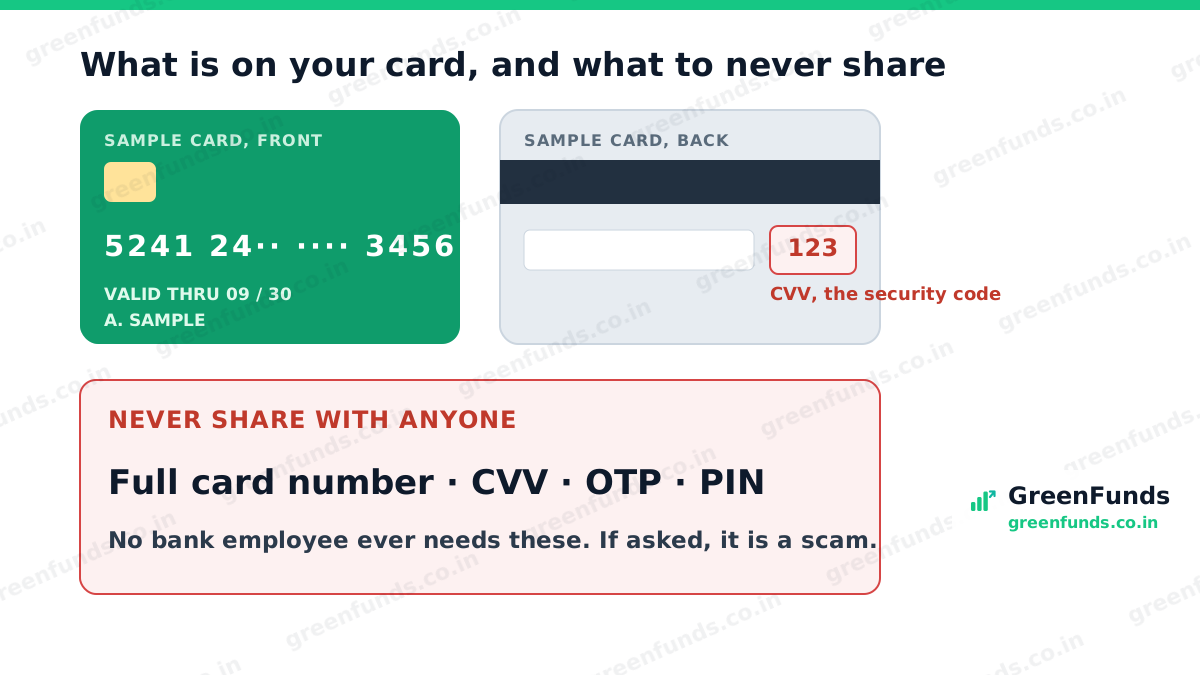
What you must never share. Four things: your full card number, the CVV security code, any OTP, and your PIN. No bank employee ever needs any of these. Anyone who asks for them, on a call, by SMS or through a link, is a scammer, whatever reason they give. This is the same rule that stops the fake-link KYC scam and UPI fraud.
The scam version of “activation”. There is a fraud built on this exact step. A caller or message says your card needs activating, then asks for the OTP, the security code, or a PIN “to complete it”. Real activation never works that way. It happens in your own app, done by you. If someone is collecting those details, stop and hang up.
Did you know? The Reserve Bank of India’s customer awareness guidance is blunt: never share your card number, CVV, OTP, PIN or passwords with anyone, including people claiming to be from your bank. Banks do not ask for them, because they do not need them. Confirm current advisories on rbi.org.in.
The takeaway. Activating a card is quick and you can do it yourself in the bank’s app, PIN included. The card’s numbers are keys, and four of them, the full number, the CVV, the OTP and the PIN, are never shared with anyone. Keep those to yourself and most card fraud simply cannot start.
More in this series: what the “your card is ready” call really is, choosing your first card, and how the bank sets your limit.
Questions people ask
How do I activate my first credit card?
Most banks let you activate the card in their official app or net banking, and you set the ATM PIN there too, so you usually do not need to visit a branch. Open the official app you downloaded yourself, not a link someone sent, and follow the activation and set-PIN steps.
What is the CVV or security code on a credit card?
The CVV, or Card Verification Value, is the 3-digit security code printed on the back of the card. It proves you hold the physical card during online payments. Treat it like a password: never share it with anyone, and never type it except on a payment page you opened yourself.
Can I set my credit card ATM PIN without going to the bank?
Usually yes. Most banks let you set or change the ATM PIN inside their official app or net banking. Use the bank's own app, and never set a PIN through a link or on a call where someone walks you through it.
What should I never share about my credit card?
Your full card number, the CVV security code, any OTP, and your PIN. No bank employee ever needs these. Anyone asking for them, by call, SMS or a link, is a scammer, whatever reason they give.
A caller offered to activate my card over the phone. Is that safe?
No. Real activation happens in your bank's own app or net banking, done by you. A caller asking for an OTP, the security code or a PIN to activate the card is running a scam. Hang up and use the official app instead.
Source: RBI customer awareness (rbi.org.in) and standard bank card-activation practice. Steps vary by bank, so use your bank's official app.
Flag a possible issue
Was this helpful?
Thanks for the signal.
Comments
Share your experience or a question. Be kind, stay on topic. This is reader discussion, not financial advice.
No comments yet. Be the first to share.